
Please note, if you are not logged into the AMS Support Portal, information will be limited to only Freshdesk Getting Started solution articles. To see all the information outlined in this article, please login to the portal.
Upon login to the DOL AMS Support Portal, the Home page will display. There are four pages on the DOL AMS Support Portal: Home, Solutions, Forums, and Tickets. Options to navigate to these pages are shown at the top of every page.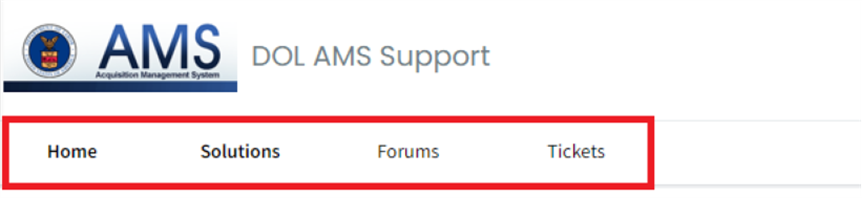
Home page
On the Home page, the following options are available:
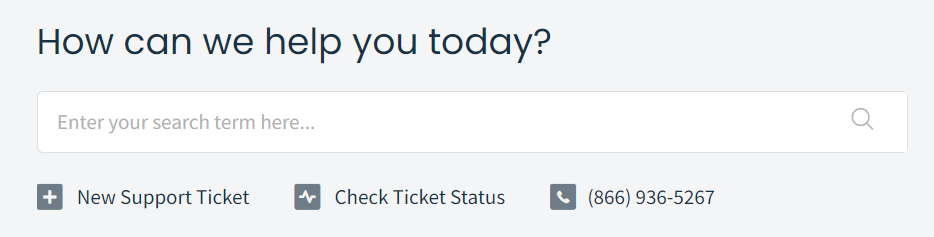
- Search function
- The search function can be used to locate solution articles, your AMS Support tickets, user guides, and more within the DOL AMS Support portal.
- Create New Support Ticket
- Check Ticket Status
- Please note, this takes you directly to the Tickets page.
- DOL AMS Support toll-free phone number
Solutions Page
On the Solutions page, the AMS Knowledge Base solution articles will display. The solution articles are broken down into several sections:
- AMS Freshdesk Information
- Freshdesk Getting Started: This section includes information on how to login and navigate the portal.
- Freshdesk FAQs: This section includes information on ticket creation and ticket management.
- AMS Videos and Documentation
- User Guides
- Training Videos
- AMS-Related Policy Memos and Notices
- Contracting Officer (CO) Notices
- Informational Notices
- Policy Memorandums
- AMS Weekly Mailers
Clicking on the solution article title will open the article.
Forums Page
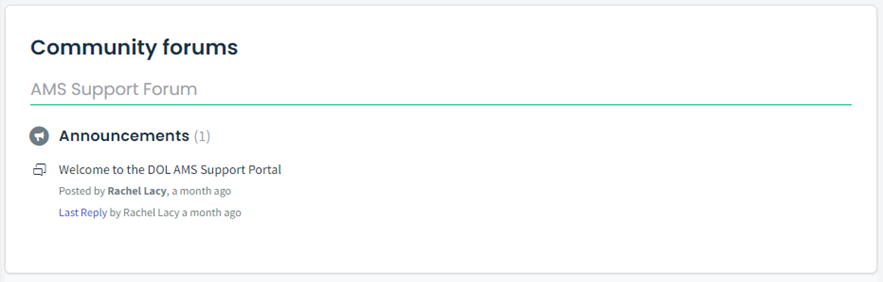
On the Forums page, users will be able to access the AMS community forum.
Tickets Page
On the Tickets page, users may view the tickets which they have opened with AMS Support. Tickets can be filtered by status, and sorted by creation date, status, or priority.
Clicking on the ticket title will open the full ticket within Freshdesk. The ticket status may also be viewed on the right-hand side of the ticket listing.

Please note, tickets can be exported for tracking purposes using the Export tickets button as either a CSV or Excel file.