
If you are logging into the DOL AMS Support portal for the first time, please follow the steps below.
- Navigate to the portal homepage: https://support.dolams.com/
- Click the Login button in the upper right-hand corner.
- Click ‘Forgot your password?’

- Enter your full DOL email address (including the ‘@dol.gov’) and click ‘Reset My Password’.
- Instructions to reset your password will be sent to your email address.
- Please note, if you do not receive an email address after entering your DOL email address and clicking reset my password, please reach out to AMS Support at support@dolams.com for us to verify the email address associated to your account.
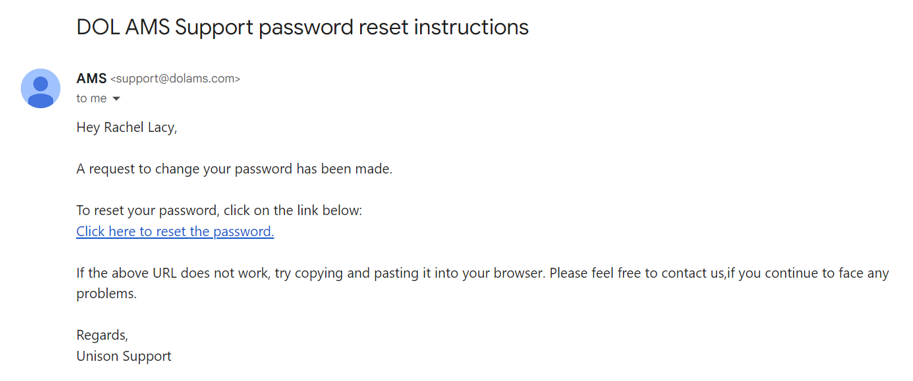
- Select the hyperlink ‘Click here to reset the password’.
- Enter your password and click ‘Update & Log In’. You will be taken to the DOL AMS Support portal homepage.
Once you’ve successfully logged in for the first time, you will be able to login using your DOL email address (including the ‘@dol.gov’) and the password you created.